

Tutorials
Learn Wails by building applications
Step-by-step tutorials that teach Wails concepts by building complete applications. Each tutorial includes working code, explanations, and practical patterns.
QR Code Service
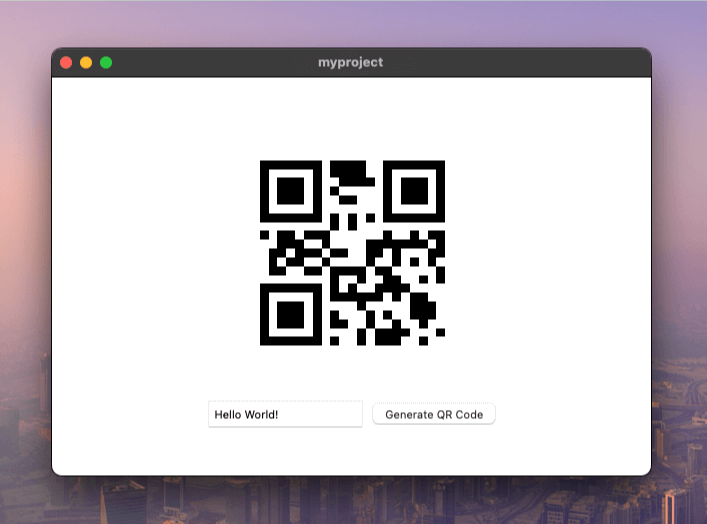
Learn the fundamentals of Wails services by building a QR code generator. This tutorial introduces you to the core concepts of organizing your application logic into reusable services.
What you’ll learn:
- How to create and structure a Wails service
- Managing external Go dependencies
- Binding Go methods to your frontend
- Passing data between Go and JavaScript
- Organizing code for maintainability
Best for: First-time Wails users who want to understand the service architecture
TODO List
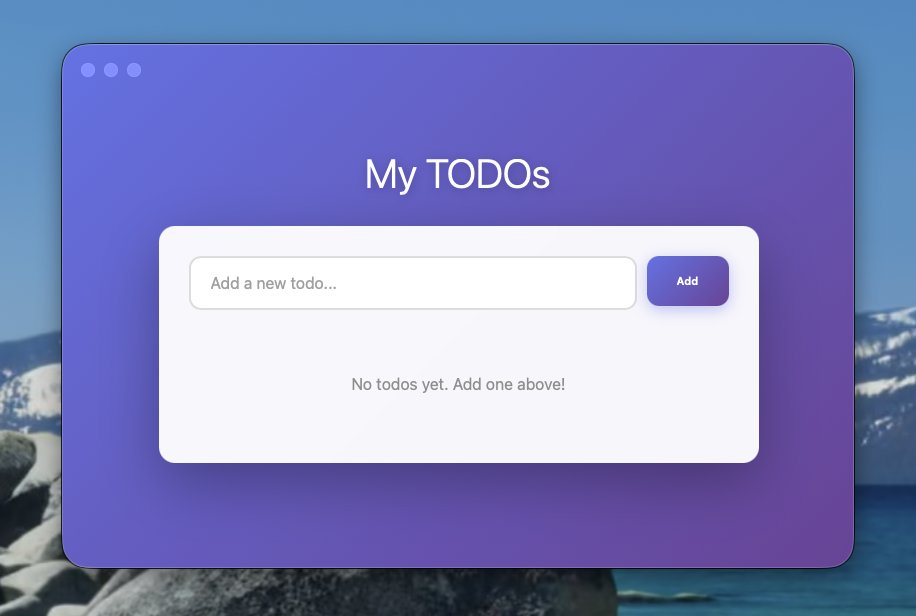
Build a complete TODO list application with a beautiful, modern interface. This hands-on tutorial teaches you core Wails patterns through a practical, real-world application using vanilla JavaScript.
What you’ll learn:
- Service-based architecture with thread-safe state management
- CRUD operations (Create, Read, Update, Delete)
- Type-safe bindings between Go and JavaScript
- Building modern UIs without framework complexity
- Proper error handling and validation patterns
Time to complete: ~20 minutes
Best for: Your first complete Wails application - perfect for understanding the fundamentals before adding framework complexity
Notes
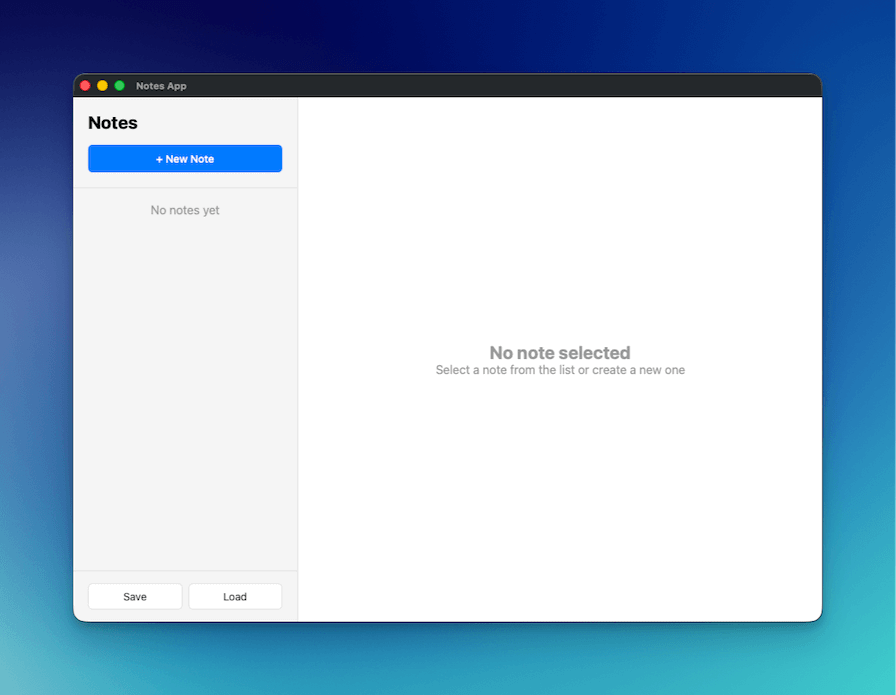
Build an Apple Notes-style application with native file dialogs and auto-save functionality. This tutorial demonstrates desktop-specific features like file operations, native dialogs, and professional UI patterns.
What you’ll learn:
- Native file dialogs (Save, Open, Info)
- JSON-based data persistence
- Debounced auto-save patterns
- Professional two-column desktop layouts
- Working with file system operations in Go
Time to complete: ~30 minutes
Best for: Learning desktop-specific features like file operations and native OS dialogs
Self-Updating Wails App
Add in-app self-updates to a Wails application from a fresh wails3 init through signed release verification and the helper-mode binary swap. Uses GitHub Releases as the update source.
What you’ll learn:
- How
app.Updaterplugs into a Wails app - Configuring the GitHub Releases provider
- Publishing releases with
SHA256SUMSfor digest verification - Adding Ed25519 signing for tamper-resistance
- Customising the default window via CSS, custom HTML, or BYO
- Periodic background checks with
CheckInterval
Time to complete: ~25 minutes
Best for: Shipping an updateable desktop app — covers the full release pipeline, not just the API